 Ember Redact
How to redact a bank statement for a landlord or lender
What they usually need
Your name, the bank name, the statement period, deposits and balance. Usually not your full account number.
What to redact
- Account and routing numbers (keep the last 4 if asked)
- Card numbers
- Unrelated transactions, if allowed. Ask first, since some lenders need complete statements.
Steps
- Download the last 2 or 3 statements as PDFs from your bank.
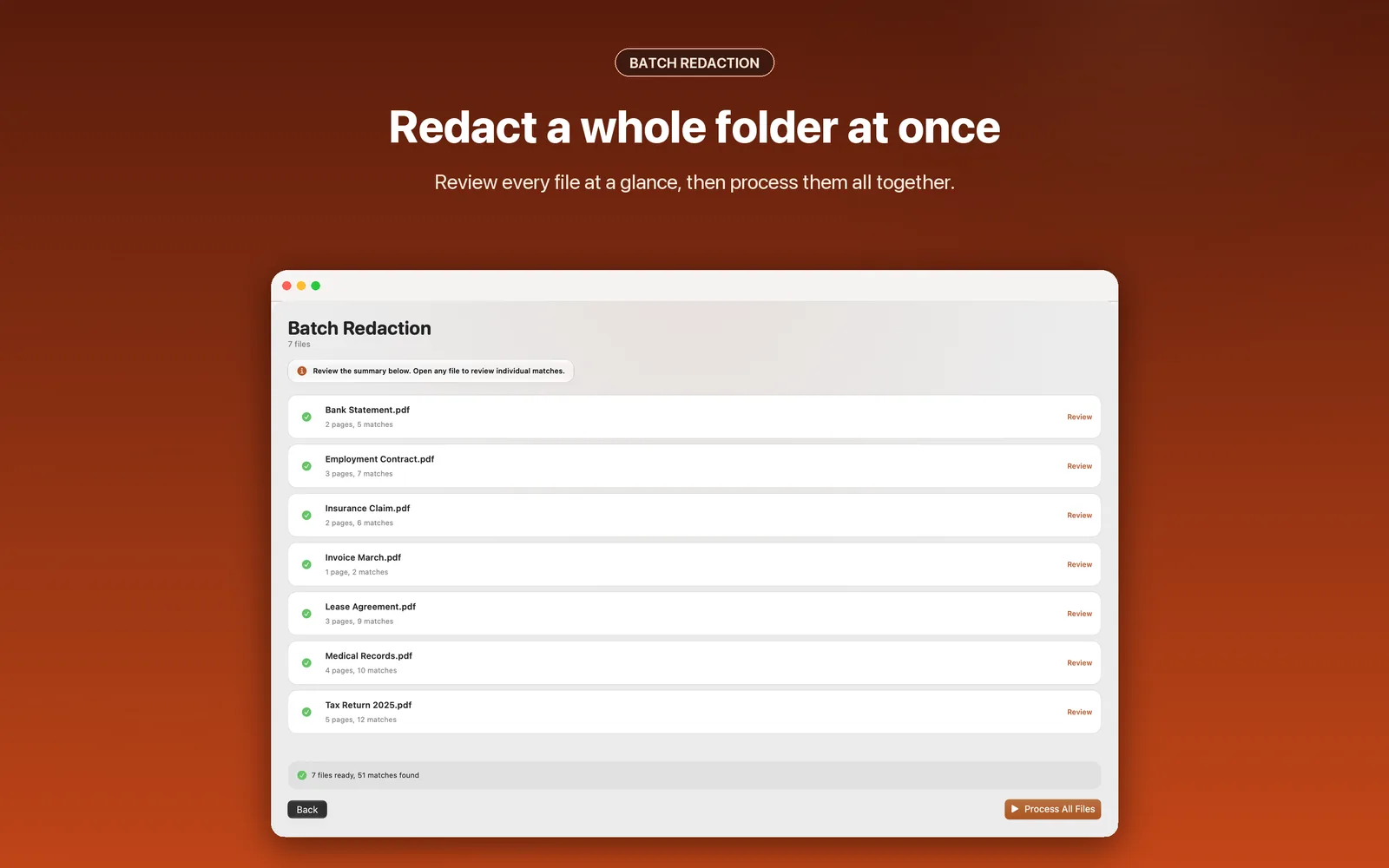
- Drop them all onto Ember Redact.
- Turn on bank account and credit card numbers. Add payee names you want to hide as custom phrases.
- Review every match, then save. Each copy is a new file. Redacted copies never overwrite an existing file.
- Run the paste test on each copy.
Note: if a lender requires unaltered statements, follow their rules.
Limits. Ember Redact works on PDFs with real, selectable text. It does not read scanned or image-only pages, and it warns you when a page has no text so nothing slips through. Ask for the digital PDF when you can.